
A useful product video makes a product understandable without inventing evidence. It begins with approved facts and media, chooses one audience and narrative angle, and gives creative direction to everything that can be expressive: camera, light, pacing, music, transitions, and supporting imagery.
Make a small product source packet
The packet should be easy for a reviewer to audit. Include the canonical product URL, a short approved description, the current feature or offer, required disclaimers, exact names, approved claims, and the best available media.
For a physical product, add front, side, detail, packaging, scale, and in-use images where available. For software, add real interface captures for any state the video must demonstrate. For a service, identify which process, artifact, or outcome can be shown honestly.
Use the URL-to-video workflow to begin from a current page, but keep a human-approved statement of what the video may say. A webpage can contain outdated, regional, secondary, or unrelated content.
Choose one argument the viewer can follow
A short product video cannot communicate an entire product catalog. Choose a narrative shape:
- Problem to method: show the situation, introduce the product, and demonstrate the useful change.
- Feature demonstration: establish the task, show the exact interaction or use, and state the benefit without exaggeration.
- Product reveal: build anticipation through materials, shape, and detail before showing the complete item.
- Use-case story: follow one audience and one realistic moment where the product fits.
- Launch: explain what is new, for whom, and where to learn more.
Create a 20-second square product video for home-office buyers. Use the supplied product images and specification sheet as the source of truth. Open on the cable clutter problem, show the approved cable channel and adjustable shelf in use, then end on the complete desk and exact product name. Warm practical studio light, precise product geometry, restrained camera movement, no invented dimensions, reviews, or performance claims.
Decide what should be real and what can be generated
Use approved product media for details that must be exact. Image-to-video can animate a chosen product frame, but generated motion still requires review for logos, labels, edges, materials, and proportions.
Generated scenes can support atmosphere, transitions, metaphors, and contextual use. Stock or uploaded footage can ground familiar environments. Interface captures should remain real when the viewer must learn where to click or what the product actually displays.
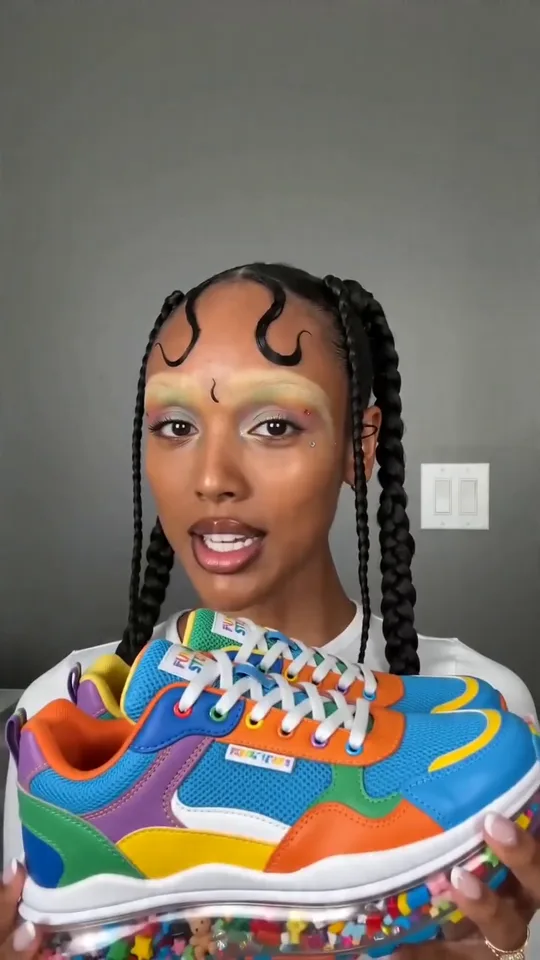
For a direct social format, the creator-style video workflow can shape a scripted presentation. Keep it clearly framed as created marketing material rather than a spontaneous customer endorsement.
Run a product-truth pass before export
Review the final cut with someone who knows the product. Confirm:
- Names, specifications, prices, plan labels, dates, and availability.
- Interface states, controls, physical proportions, packaging, and labels.
- Comparative, environmental, safety, health, or performance language.
- Likeness, music, footage, font, and brand-asset permissions.
- Required disclosures and the exact call-to-action destination.
- Captions and on-screen text in every output format.
Save the approved source packet with the final export. When the product changes, the team can identify which videos need review rather than guessing what informed them.
Frequently asked questions
Can I create a product video from one image?
One image can begin a reveal or motion shot. A complete product story usually benefits from multiple approved views, product facts, a script or brief, and a clear audience and outcome.
Can AI generate a software demonstration?
Generated imagery can support a concept, but use real captures for exact interface behavior. Do not show invented screens as if they document the live product.
What is the difference between a product video and a creator-style video?
A product video can use many formats, including demos, reveals, explainers, and cinematic stories. A creator-style video uses a direct, social delivery and requires extra care not to imply a real customer endorsement.
Which model should I use for product shots?
Choose by input mode, shot duration, aspect ratio, and the controls the scene requires. Compare Kling 3 Pro, Veo 3.1 Fast, and Seedance 1.5 Pro as the exact variants currently documented in Brevity.
This page describes Brevity's product-led workflow as reviewed on 12 August 2026. It makes no claim that generated visuals replace product review, substantiation, or rights clearance.