
01
An exact eight-second beat
A fixed scene length makes shot planning and comparisons straightforward.
Google · Veo
Create focused eight-second 1080p scenes from text or imagery, then compose them into a polished Brevity production.
Create with Veo 3.1 FastModel showcase
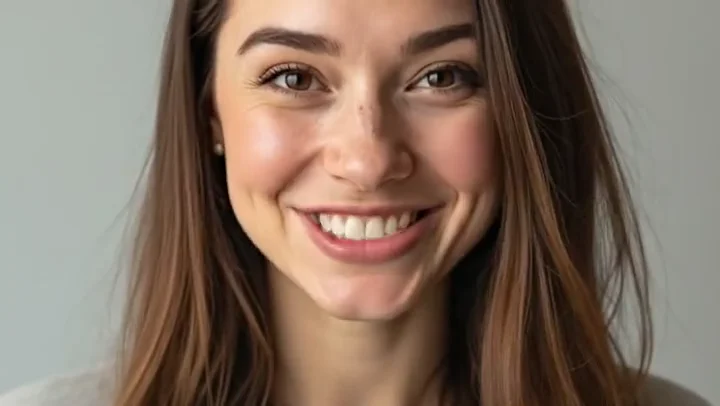
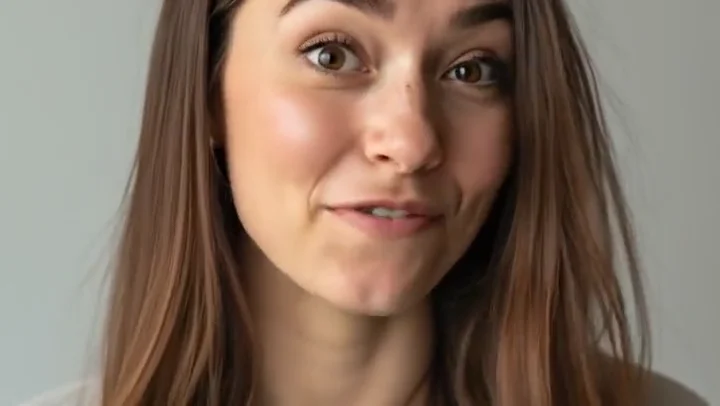
A natural close portrait with subtle facial motion
A closer look
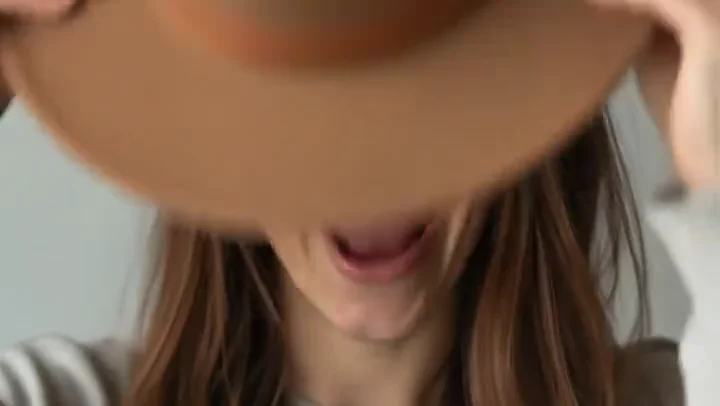
Selected frames from the Veo 3.1 Fast showcase reveal the movement, texture, and composition inside one scene.
Key features
A fixed scene length makes shot planning and comparisons straightforward.
Create Full HD scenes for portrait or landscape video sequences.
Begin from an open prompt or anchor the composition with a reference.
Use the fixed-length result as one deliberate moment inside a longer edit.
How to use Veo 3.1 Fast
Name the subject, action, setting, camera move, and light in one compact direction.
Set text or image input, the output ratio, and a target length for the finished video.
Continue with your choices attached, then confirm the complete edit before spending credits.
Direction notes
Write for one emotional or visual turn, not several unrelated events.
Use close, medium, or wide framing explicitly when composition matters.
Keep subject action physically readable within eight seconds.
FAQs
Ready when you are
Prepare the direction here, then keep control of the brief, media, cost, and final generation inside the Studio.
Create with Veo 3.1 Fast