
01
Start from words or a frame
Explore from a written direction or anchor the first look with a reference image.
ByteDance · Seedance
Direct vivid text-to-video and image-to-video scenes with flexible timing, then shape them into a complete video in Brevity.
Create with Seedance 1.5 ProModel showcase
A richly costumed opera performer in motion
A closer look
Selected frames from the Seedance 1.5 Pro showcase reveal the movement, texture, and composition inside one scene.
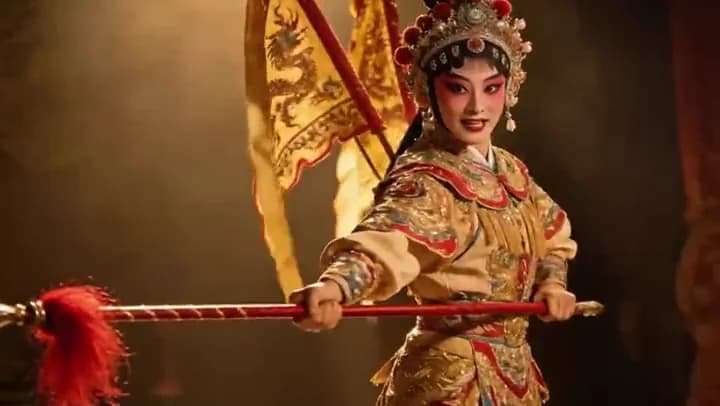
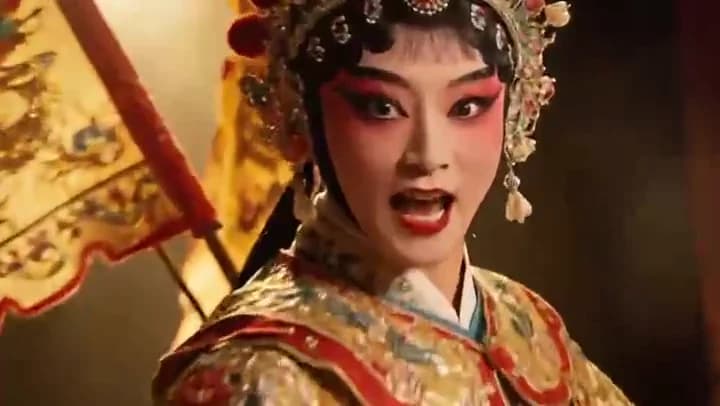
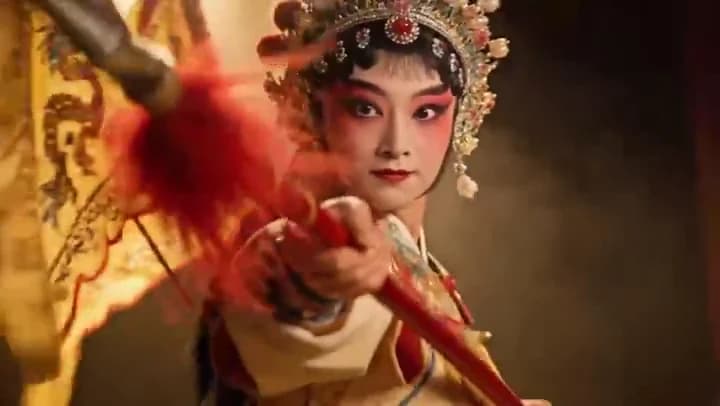
Key features
Explore from a written direction or anchor the first look with a reference image.
Choose any whole-second clip length from four to twelve seconds.
End-frame support helps you plan more deliberate transitions between shots.
Move between vertical, square, and landscape formats without changing models.
How to use Seedance 1.5 Pro
Name the subject, action, setting, camera move, and light in one compact direction.
Set text or image input, the output ratio, and a target length for the finished video.
Continue with your choices attached, then confirm the complete edit before spending credits.
Direction notes
Lead with one clear action before adding atmosphere.
Use an image start when wardrobe or subject identity matters most.
Reserve the final seconds for the motion you want the shot to land on.
FAQs
Ready when you are
Prepare the direction here, then keep control of the brief, media, cost, and final generation inside the Studio.
Create with Seedance 1.5 Pro