
Characters
How to Keep Characters Consistent Across AI Video Scenes
A production-ready method for keeping a character recognizable across AI video shots, from reference images and identity notes to motion, continuity, and review.
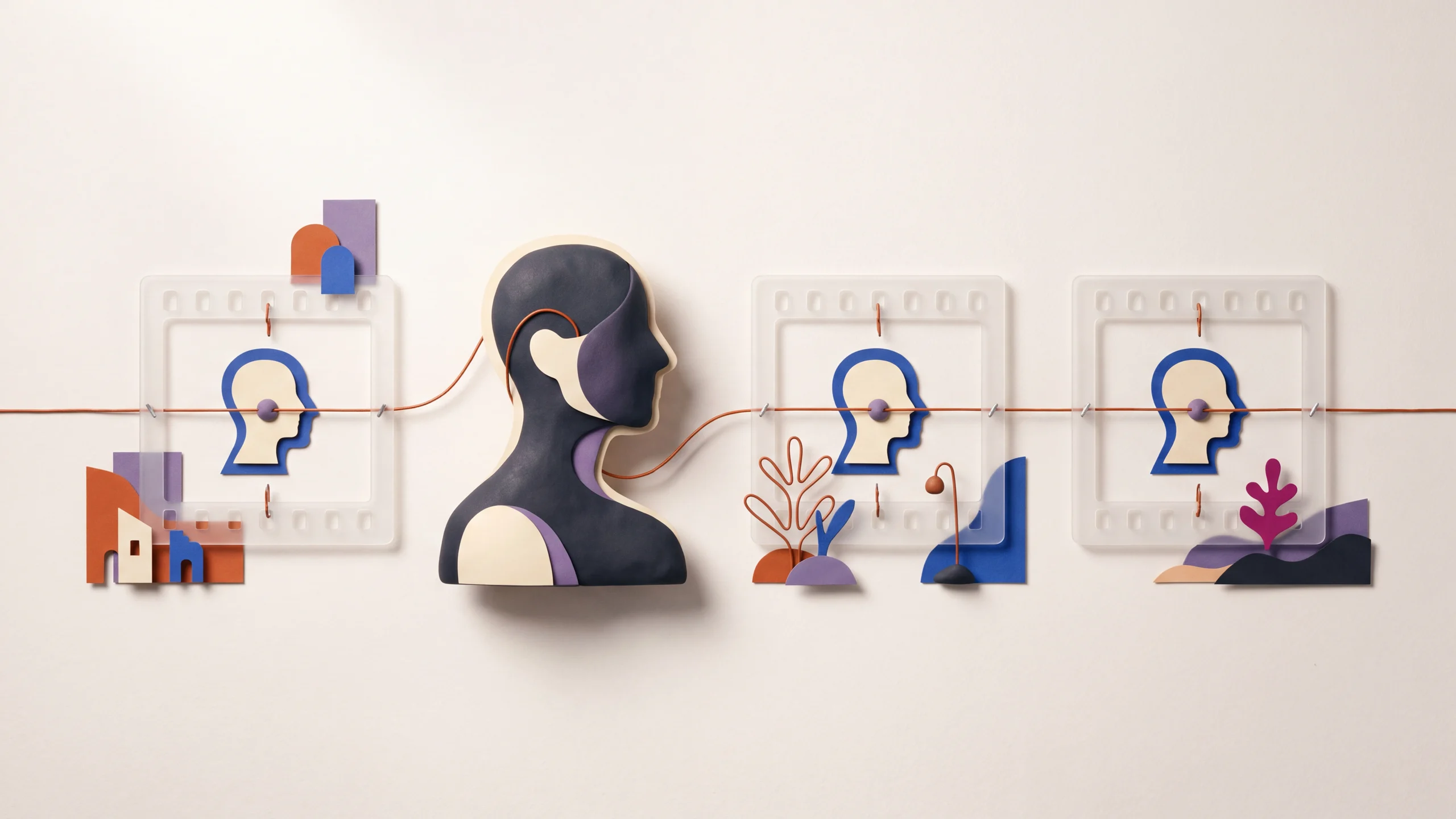
A character can look right in one generated shot and become someone else in the next. The usual cause is not a missing magic phrase. It is that the production never defined which traits must remain fixed, which details may change, and how every shot should inherit the same visual evidence.
Treat character consistency as a continuity workflow. Give the model a stable identity anchor, direct one manageable shot at a time, and compare every result against the same reference before it enters the edit.
Define the character before you direct the scene
Start by deciding what “the same character” actually means. A viewer may recognize a person from face shape, hair silhouette, age range, clothing, posture, or a recurring accessory. If all of those change at once, continuity breaks even when each individual frame looks plausible.
Create a one-page identity packet with four layers:
- Identity anchors: face shape, skin tone, eye color, hair shape and color, body proportions, or the defining geometry of a non-human character.
- Default styling: one base outfit, key colors, materials, makeup, and accessories.
- Visual treatment: photoreal, graphic novel, stop motion, flat illustration, or another coherent medium.
- Allowed changes: expressions, poses, weather layers, scene-specific props, and explicitly planned wardrobe changes.
Keep the written description short enough to reuse exactly. Long lists invite accidental contradictions and make it harder to see which words affected the output.
Mira, a woman in her early thirties with an oval face, warm brown skin, a chin-length black bob tucked behind her left ear, and a small silver hoop in each ear. She wears a rust-colored chore jacket over a cream crew-neck shirt. Natural proportions, understated documentary realism, soft natural skin texture.
That block defines identity, not the shot. Put camera, action, location, light, and timing in a separate scene block. When a shot drifts, this separation lets you change the direction without rewriting the person.
Build references the next shot can actually use
The strongest anchor is usually a clean, approved image that clearly shows the traits you want to preserve. Start with a neutral three-quarter or front view, even lighting, an unobstructed face, and enough resolution to read the silhouette and clothing.
If the workflow accepts multiple references, make them complementary rather than contradictory:
- a neutral face and upper-body view for identity;
- a full-body view for proportions and wardrobe;
- a profile only when profile shape matters;
- a style frame for palette, texture, and lighting.
Do not use five near-duplicates with different hairstyles, facial proportions, or rendering styles and expect the system to infer which detail wins. Curate the set as if you were handing it to a human illustrator.
For a longer project, save the approved reference outside the generation history. Give it a stable filename and record which version was used. “Character-final-07” is not useful when three teammates are using different files with that name.
The consistent-character video workflow is the right starting point when identity continuity is the primary job. When the first frame is already approved and the task is mainly to animate it, an image-to-video workflow usually gives the source image more authority than starting again from text.
Keep identity language stable and direct the performance separately
Once the identity block is approved, copy it without creative rewrites. Synonyms that feel harmless to a writer can describe a different person or style to a model. “Short black bob,” “shoulder-length dark hair,” and “sleek raven hair” are not interchangeable continuity notes.
Build each shot from two blocks:
Mira, a woman in her early thirties with an oval face, warm brown skin, a chin-length black bob tucked behind her left ear, and small silver hoop earrings. Rust-colored chore jacket over a cream crew-neck shirt. Understated documentary realism.
Eye-level medium shot in a small workshop. Mira places a finished ceramic cup on the table, looks down to check the glaze, then gives a restrained smile toward someone off camera. Locked camera, cool window light from frame left, quiet continuous action.
Keep mutable details in the scene block: emotion, gesture, lens, angle, time of day, and environment. If the character changes clothes, state the change deliberately and keep the rest of the identity block intact.
This is also where concise prompts help. Our AI video prompting framework separates camera, subject, action, setting, look, and timing so you can revise one production choice without destabilizing all the others.
Stage motion that preserves recognizable information
Continuity can fail even when the first frame is strong. Fast turns, hands covering the face, extreme expressions, abrupt camera moves, and full-body action all ask the model to reconstruct more information over time.
Start a new character with readable performance:
- use a medium shot or medium close-up before an extreme angle;
- keep the face visible during the defining action;
- choose one main gesture or movement per clip;
- use a locked camera or slow move while testing identity stability;
- avoid crossing behind foreground objects unless the occlusion is important;
- end on a usable pose that can bridge into the next edit.
This is not a permanent creative restriction. It is a diagnostic order. Once a character survives a simple shot, introduce harder motion one variable at a time.
For models with explicit motion or reference controls, follow the control’s current requirements rather than assuming prompt text will replace them. For example, review the available options on the Kling 3 Pro model page before planning a shot around a model-specific control.
Use an approval gate for every scene
A reliable multi-shot sequence is built through small approvals, not a large batch of hopeful generations.
1. Approve the anchor
Choose one reference as the visual source of truth. If the face, costume, or style is not right here, do not multiply the problem across ten scenes.
2. Generate a neutral test shot
Use moderate framing, simple movement, and uncluttered light. Confirm that the character reads correctly in motion.
3. Create a shot ledger
For each scene, record the prompt, reference version, model and settings, selected output, wardrobe state, location, time of day, and the action at the cut. A small spreadsheet or production note is enough.
4. Work in story order when continuity matters
Generating chronologically makes state changes easier to track: dry clothing before rain, sealed package before opening, clean room before the mess. If scenes are generated out of order, the ledger must carry that state explicitly.
5. Compare before upscaling or finishing
Place candidate frames beside the identity reference and the neighboring shots. Reject obvious drift early, while regeneration is still cheap relative to voice, music, captions, and final render work.
6. Lock accepted shots
Do not keep regenerating a scene because a new version is marginally more dramatic. Every replacement can create a new continuity problem with the shots around it.
Diagnose the kind of drift before rewriting everything
“The character changed” is too broad to debug. Name the mismatch.
Face drift
Check whether the reference clearly exposes the face and whether the shot hides it with angle, motion blur, hair, hands, or strong shadow. Return to a readable angle before changing the character description.
Wardrobe drift
Use one precise garment description and color family. If the material matters, state it. Remove unnecessary accessories that can change position or multiply across frames.
Style drift
Keep the rendering medium and finish in the identity block. A photoreal reference paired with an illustrated scene instruction forces the system to reconcile competing evidence.
Age or proportion drift
Avoid vague terms such as “young” when a stable age range matters. Full-body proportions may need a dedicated full-body reference rather than more facial detail.
Motion drift
Shorten the action. Replace a spin, walk, gesture, expression change, and camera orbit with one visible movement. If identity stabilizes, add complexity back gradually.
Continuity drift between correct shots
Two clips can each contain the right person but still cut poorly because eyelines, screen direction, posture, or light do not match. That is an editing and shot-planning issue, not an identity-generation issue. Plan the end pose of shot A and the opening pose of shot B as a pair.
Run a continuity review before the final render
Review the sequence in three passes:
- Identity pass: face, hair, body proportions, wardrobe, accessories, and style.
- Scene-state pass: props, weather, dirt or damage, time of day, and what the character knows or holds.
- Edit pass: eyeline, screen direction, action match, exposure, color, and whether adjacent cuts feel like the same moment.
Watch once at normal size, then scan the sequence as small thumbnails. Large frames reveal facial errors; thumbnails make silhouette, palette, and wardrobe changes obvious.
If the character represents a real person, obtain appropriate permission for the intended use and keep the approved source material with the project. Do not use identity consistency as a way to imitate a person, performer, or protected character without the rights to do so.
Frequently asked questions
Can one text prompt keep a character consistent across every scene?
Not reliably. Stable wording helps, but reference support, shot complexity, model behavior, and review all matter. Treat the prompt as one part of a continuity system.
How many character references should I use?
Use the smallest set that adds distinct, compatible information. A clear identity view plus a full-body or style reference can be more useful than many conflicting images. Follow the limits and guidance of the selected model.
Should I generate a character sheet first?
For a multi-scene project, yes. A neutral portrait and full-body view make decisions explicit before expensive scene work begins. The sheet still needs to be tested in motion.
Does image-to-video guarantee the same face?
No. It gives the model a stronger visual starting point, but motion, occlusion, duration, and the selected model can still introduce drift. Review the entire clip, not only the first frame.
Can the wardrobe change without losing the character?
Yes, but make it a controlled change. Keep the identity reference and immutable description stable, provide the new clothing clearly, and avoid changing wardrobe, hairstyle, style, and camera difficulty in the same test.
Sources and further reading
This guide was written by the Brevity editorial team from the linked product guidance and practical continuity workflows. Model controls and reference behavior change, so confirm current capabilities before planning a production around them.